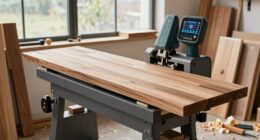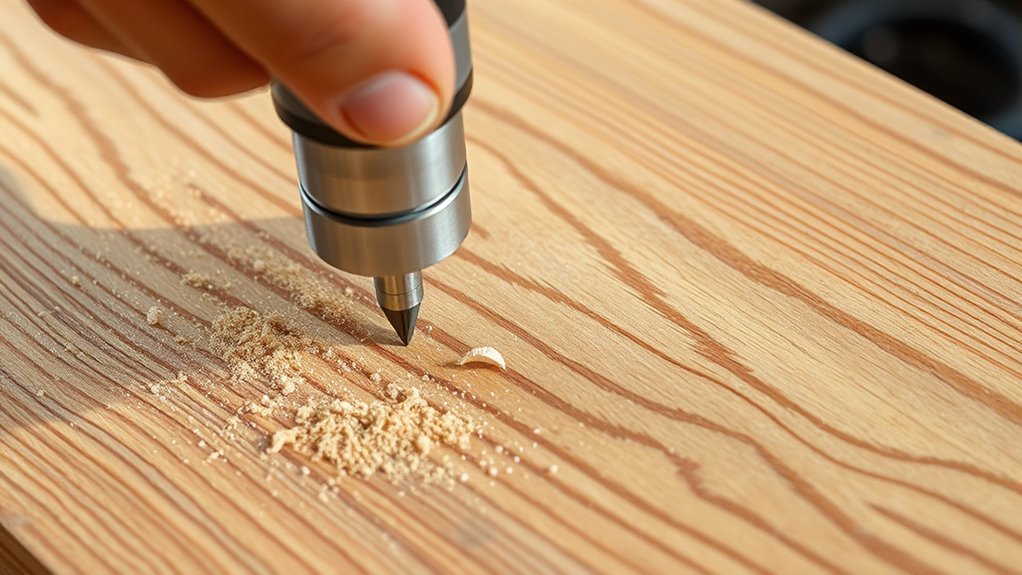
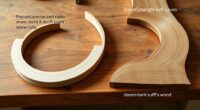
To cut grooves, dados, and edge profiles with a router, start by selecting the right bit for each task—straight bits for grooves and dados, and specialized profile bits for edges. Secure your workpiece firmly and use guides or fences to guarantee straight, accurate cuts. Adjust the depth carefully and make multiple shallow passes if needed. Keep the router moving steadily to prevent burns and ensure smooth finishes. With proper technique, you’ll create precise details that enhance your project—explore further to master these skills.
Key Takeaways
- Select the appropriate router bit, such as straight, dado, or profile bits, based on the desired groove or edge profile.
- Secure the workpiece firmly and set the correct depth before starting to ensure accurate cuts.
- Use guides or fences to maintain straight, consistent grooves or dados across your material.
- Move the router steadily at a controlled pace to prevent burning and achieve smooth, clean edges.
- Test cuts on scrap material to refine settings and ensure precision before working on your final piece.
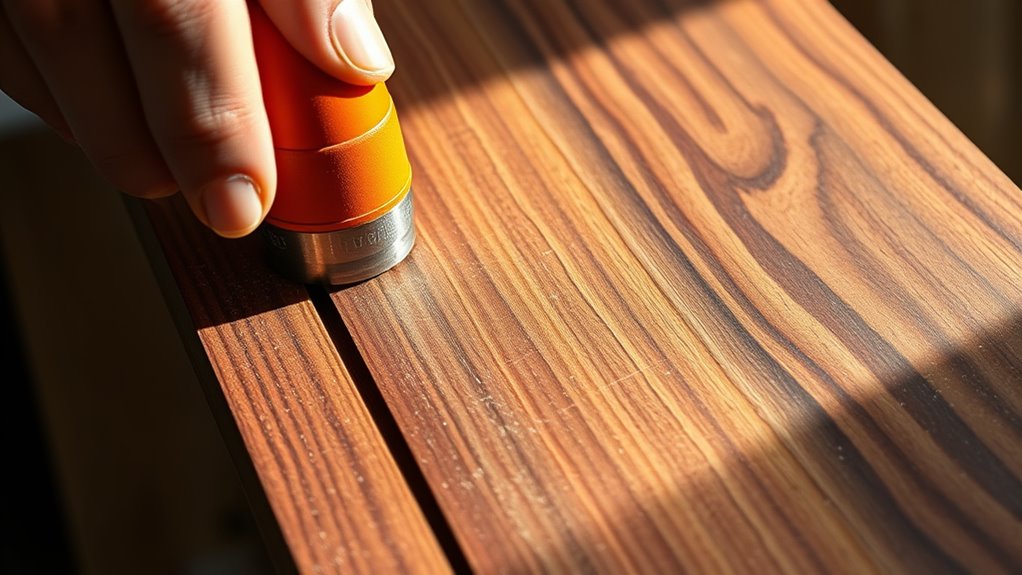
Have you ever wondered how to create precise edges and detailed designs in wood or other materials? Using a router can help you achieve those professional-looking results, but it’s essential to prioritize router safety and choose the right bit for each task. When you handle a router correctly, you can carve grooves, dados, and elegant edge profiles with confidence and accuracy. The first step is understanding how to operate the tool safely. Always wear eye and ear protection, and make sure your workpiece is securely clamped before starting. Keep your hands clear of the bit’s path, and never force the router through the material. Instead, let the bit do the work, maintaining a steady speed and pressure. Remember, a stable setup minimizes the risk of kickback or accidental slips.
Always wear safety gear and clamp your workpiece securely when using a router.
Choosing the right bit is vital for achieving clean, precise cuts. There are various bits designed for specific tasks, such as straight bits for dados and grooves, round-over bits for smooth edges, and chamfer bits for beveled edges. When selecting a bit, consider the material you’re working with and the depth of cut needed. High-quality bits made from carbide or solid steel last longer and cut more smoothly, reducing the chance of tear-out or rough finishes. For detailed designs or intricate profiles, a bearing-guided bit can help you follow templates or patterns accurately. Always inspect your bits before use, ensuring they are sharp and free of damage. Dull or damaged bits can cause burning, uneven cuts, or even safety hazards.
As you work on your project, pay attention to your router’s settings. Adjust the depth of cut carefully, especially when working on multiple passes for thicker material. For best results, start with shallow cuts and gradually increase depth, which also extends the lifespan of your bits. Keep your router moving at a consistent pace—going too slow can cause burning, while rushing can lead to mistakes. When creating grooves or dados, use guides or fences to maintain straight, uniform cuts. For decorative edges, test your profile on scrap material first, ensuring you’re happy with the result before working on your final piece. Additionally, understanding market trends and insights in woodworking equipment can help you select the most innovative and efficient tools for your projects.
Mastering the use of a router involves practice, patience, and awareness of safety precautions. By choosing the right bit and focusing on router safety, you’ll gain control over your projects and produce professional-quality designs. With proper technique, your woodworking will look polished and precise, elevating your craftsmanship to the next level.

CNC Router Machine,3-Axis All-Metal with Steel Wheel Engraver Milling Machine,500W Trimmer & Linear Rail Driven,Working Area 15.75”x15.75”x2.95”,Acrylic Cutting Milling,GRBL Control (4040 PRO)
【Structural Stability】: The machine is built on a sturdy all-metal frame designed to increase stability during operation,offers a...
As an affiliate, we earn on qualifying purchases.
Frequently Asked Questions
What Safety Gear Is Recommended When Using a Router?
When using a router, you should wear personal protective equipment like safety goggles and a dust mask to protect your eyes and lungs. Make sure your dust collection system is active to minimize airborne debris. Hearing protection is also recommended, as routers can be loud. Always keep your hands clear of the bit and follow safety guidelines to prevent accidents, ensuring a safer and cleaner working environment.
How Do I Select the Right Bit for Each Cut?
Did you know that choosing the right bit can improve your cut quality by up to 50%? To select the perfect bit, consider the material—high-speed steel or carbide bits last longer and cut more smoothly. Match the bit type to your project, and adjust the cutting depth to prevent burn marks or tear-out. Always pick a bit designed for your specific cut, ensuring precision and safety.
Can a Router Be Used for Engraving or Decorative Carving?
Yes, you can use a router for engraving and decorative carving. It’s perfect for detailed engraving techniques and adding intricate decorative carving on wood, plastic, or even soft metals. You’ll want to select specialized bits like V-groove or spiral bits to achieve precise, clean lines. Practice on scrap material first to master control and depth. With patience, your router becomes a versatile tool for stunning, personalized designs.
How Do I Maintain and Clean My Router and Bits?
To keep your router and bits in top shape, you should regularly perform bit maintenance and router cleaning. After each use, remove dust and debris from the bits with a brush or compressed air. Wipe down the router base and motor housing with a damp cloth, avoiding electrical parts. Proper bit maintenance guarantees smooth cuts and prolongs your tool’s life. Regular cleaning prevents buildup that can affect performance.
What Are Common Troubleshooting Tips for Router Problems?
If your router vibrates or the bit wobbles, start by checking your bit for damage or looseness. Tighten or replace it if needed. Confirm your collet is clean and properly tightened. Also, verify the router’s base is secure and free of debris. If vibrations persist, balance your bits or try a different one. Regular maintenance and careful setup will prevent common issues and improve your cuts.

LUNYEE 3018 PRO MAX CNC Machine 500W All-Metal CNC Router Machine 3 Axis Limit Switches & Emergency-Stop with GRBL Offline Control for Cutting Wood Acrylic MDF Plastic, Working Area: 300 x 180 x 80mm
500W Spindle & High Speed CNC Router Machine: The 500w Spindle is a Robust and Versatile Component Design....
As an affiliate, we earn on qualifying purchases.
Conclusion
Now that you’ve mastered using a router for grooves, dados, and edge profiles, your woodworking projects will look professional and polished. Just remember, even in the age of the internet, a steady hand and patience are your best tools—think of it as your modern-day Excalibur. With practice, you’ll turn plain wood into stunning pieces, and who knows? Maybe someday, your workshop will be the envy of all the knights in your neighborhood.

FoxAlien Masuter Pro 3-Axis CNC Router Machine, Beginner Hobby Engraving Machine All-Metal Structure for Wood Acrylic MDF Nylon Routing Milling Carving
All-Aluminum Structure & Enhanced Stability: Engineered with an all-metal framework and linear rail Z-axis, the FoxAlien Masuter Pro...
As an affiliate, we earn on qualifying purchases.

SainSmart Genmitsu 3018-PROVer V2 CNC Router Machine for Beginner, Mini Milling Engraver Kit with Z-Probe, Limit Switches, E-Stop, Ideal for Wood, Acrylic, MDF, Plastic (Without Offline Controller)
Best Entry-Level: The Genmitsu 3018-PROVER V2 is the first choice for beginners looking to enter the world of...
As an affiliate, we earn on qualifying purchases.