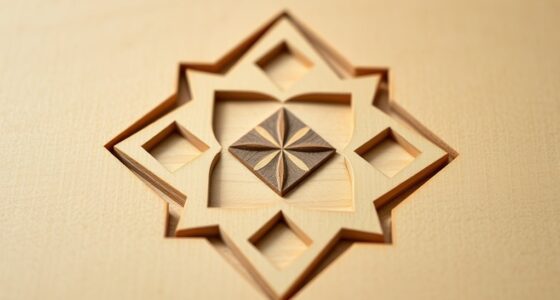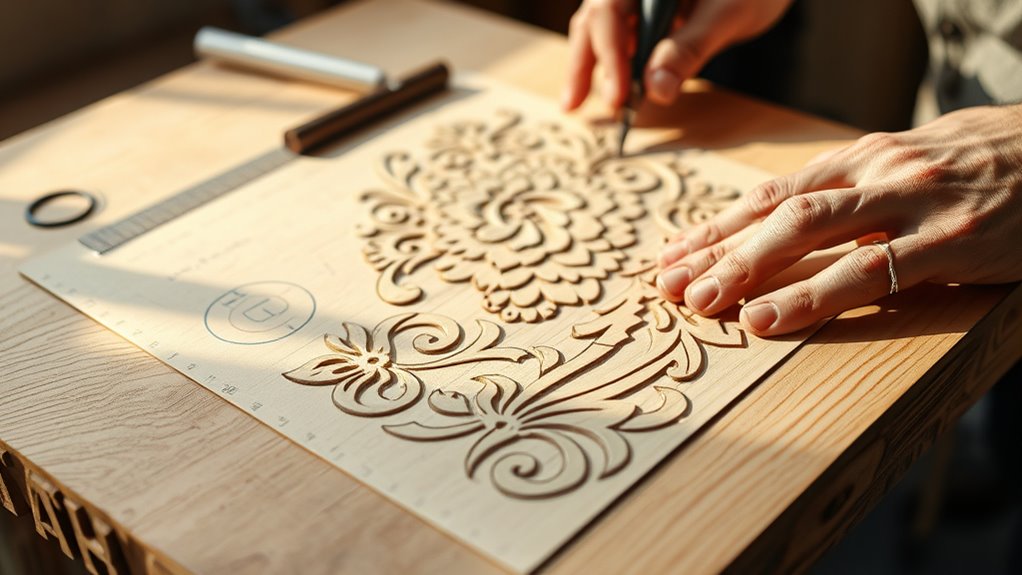

When designing carving layouts, you should choose appropriate transfer methods like carbon paper, stencils, or direct digital transfer, depending on your material and detail complexity. Accurate scaling is essential to guarantee your design fits perfectly; use software to resize while maintaining proportions. Always consider how your material responds to the laser to adjust power and speed settings. If you keep these points in mind, you’ll create precise, professional results—so explore further to master each step.
Key Takeaways
- Select an appropriate transfer method (digital file, carbon paper, stencils) based on material and design complexity.
- Accurately measure and scale your design to match the material’s dimensions before transfer.
- Use digital software to resize or adjust designs proportionally for precise scaling.
- Consider material response to optimize power, speed, and detail during transfer.
- Plan layout carefully to ensure proper orientation, spacing, and alignment for high-quality carving results.
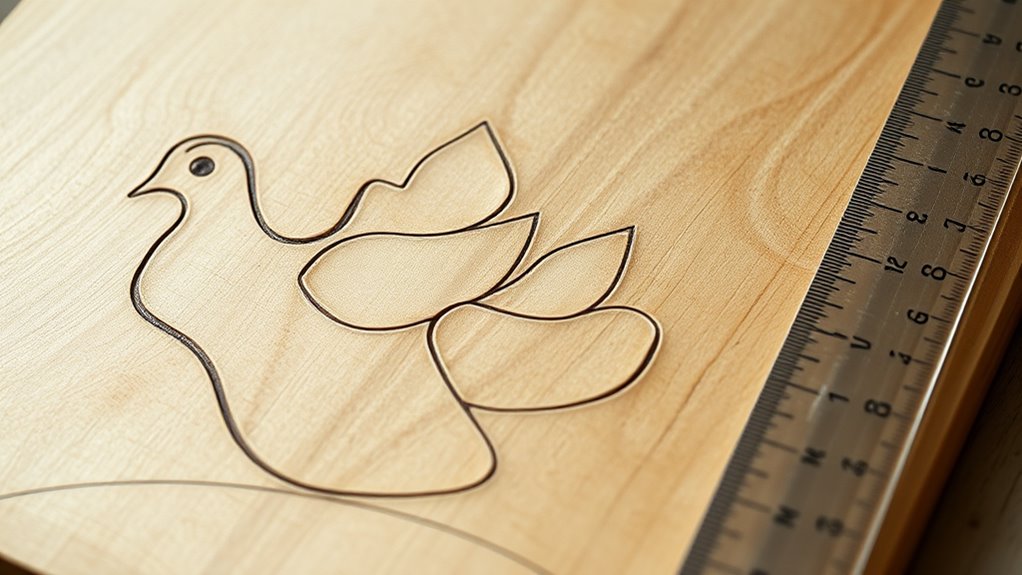
Creating effective carving layouts begins with understanding your project’s overall design and the materials you’ll work with. When it comes to laser engraving, the material selection plays a pivotal role in how your design will turn out. Different materials respond uniquely to laser engraving, so choosing the right one is essential to achieve the desired detail, depth, and finish. For example, wood offers warmth and natural textures, while acrylic provides clarity and vibrant colors. Metal, stone, or glass each bring their own challenges and benefits, so understanding their properties helps you plan your layout accordingly. Once you’ve selected your material, you can tailor your design to maximize its features and guarantee your layout is both functional and visually appealing.
Choosing the right material is essential for achieving the perfect laser engraving results.
Before transferring your design onto the material, it’s imperative to consider the scale. Proper scaling ensures that your final engraved piece matches your vision without distortion or loss of detail. To do this effectively, you need to measure your material precisely and decide on the appropriate size for your design. Scaling can be done digitally using design software, where you can resize your artwork by percentage or specific dimensions. Keep in mind that some materials, like wood or stone, may require smaller or more detailed designs to prevent over-engraving or chipping. Conversely, larger pieces can accommodate bigger, bolder artwork. Adjusting your design scale early on helps you avoid surprises during the actual engraving process, saving time and materials.
Additionally, understanding material response to laser engraving can help you select the appropriate power and speed settings to achieve optimal results. Once you’ve determined the proper scale, you need to transfer your design onto the material. There are several transfer methods to choose from, each suited to different materials and project complexities. Laser engraving software often includes features to prepare your design for direct engraving, but if you’re working with delicate or irregular surfaces, you might opt for methods like carbon transfer paper, which involves tracing your design onto transfer paper and then pressing it onto the material. For more detailed work, some artists use stencils or masking tape to outline their design before engraving. When working with complex or multi-layered designs, consider creating a template or using vector files that can be scaled and transferred easily without losing detail.
In the end, successfully designing carving layouts involves carefully selecting the right material, accurately scaling your design, and choosing an effective transfer method. This process ensures your laser engraving project looks professional and matches your artistic vision. Remember, meticulous planning at this stage saves you time and materials during the actual engraving, helping you produce precise, high-quality results. Keep these principles in mind, and you’ll set a strong foundation for every carving project you undertake.

TapeManBlue 12" x 100' Roll of Paper Transfer Tape for Vinyl, Made in America, Premium-Grade Transfer Paper for Vinyl with Layflat Adhesive for Crafts, Decals, and Letters
PREMIUM TRANSFER TAPE: This 12 inch wide x 100 foot long roll of vinyl transfer tape paper is…
As an affiliate, we earn on qualifying purchases.
As an affiliate, we earn on qualifying purchases.
Frequently Asked Questions
How Do I Choose the Best Transfer Method for Different Materials?
You should consider material compatibility when choosing a transfer technique, as different materials react better to specific methods. For delicate or thin surfaces, use light, precise transfer techniques like carbon paper or spray methods. For tougher materials, opt for stronger transfers like adhesive or heat transfer. Always test your chosen method on a small area first to guarantee it adheres well without damaging the material, ensuring the best results.
What Are Common Mistakes When Scaling a Carving Layout?
You should watch out for scaling errors that can lead to incorrect proportions, making your design look off. Avoid transfer inaccuracies by double-checking measurements before transferring your layout. Always compare scaled sketches with your original design to catch mistakes early. Use precise tools and methods, and don’t rush the process. This helps guarantee your carving layout stays true to your intended dimensions, preventing costly mistakes later.
Can Digital Tools Assist in the Transfer Process?
Digital tools act like a skilled navigator guiding your ship through uncharted waters. Using digital templates, you can easily transfer intricate carving designs, ensuring precision. Just like a compass, software compatibility helps align your layout perfectly across different programs, reducing errors. This way, you save time, avoid mistakes, and achieve a flawless transfer, transforming a complex task into a smooth sailing experience for your carving project.
How Do I Maintain Accuracy During Large-Scale Transfers?
To maintain accuracy during large-scale transfers, focus on grid alignment to keep proportions consistent and precise. Use a sharp pencil or transfer paper for clear lines, and double-check measurements frequently. Secure your transfer materials firmly to prevent shifting, and work slowly to avoid errors. Regularly compare your work with the original design to verify transfer accuracy, making adjustments as needed to keep everything aligned perfectly.
What Safety Precautions Should I Follow During Carving Transfers?
You should always wear protective gear like gloves and goggles to shield yourself from dust and debris. Keep your workspace well-ventilated and organized to prevent accidents. Use proper tools and handle carving equipment carefully, following safety guidelines. Make sure your work area is clear of clutter, and stay focused during transfers. Prioritizing safety precautions helps prevent injuries and guarantees a secure, efficient carving environment.
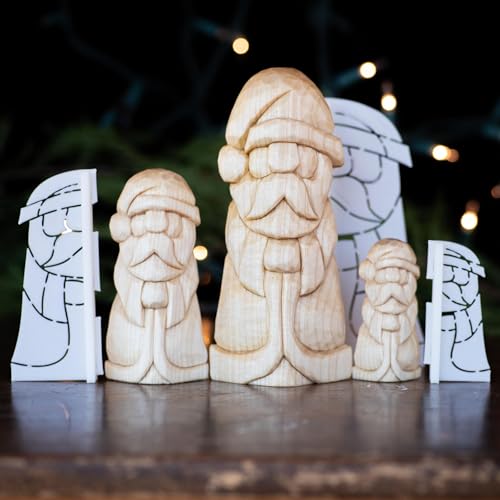
3D Printed Full Body Santa Wood Carving Stencil Template, PLA Material, Available in 1", 1.5", 2" Sizes, Corner Design with Tutorial
VERSATILE SIZES: Available in three different sizes – 1 inch, 1.5 inch, and 2 inch stock options, with…
As an affiliate, we earn on qualifying purchases.
As an affiliate, we earn on qualifying purchases.
Conclusion
By mastering transfer methods and scaling techniques, you reveal endless creative possibilities for your carvings. Did you know that artists who carefully plan their layouts are 40% more likely to achieve precise, satisfying results? So, take your time with your design process—your patience pays off in the beauty of your finished piece. Keep experimenting and refining your skills, and you’ll turn your visions into stunning realities that truly stand out.
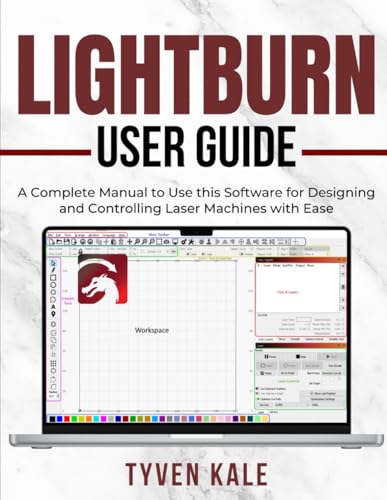
LIGHTBURN USER GUIDE: A Complete Manual to Use this Software for Designing and Controlling Laser Machines with Ease
As an affiliate, we earn on qualifying purchases.
As an affiliate, we earn on qualifying purchases.

2 Pieces Laser Engraving Marking Paper 15.3×10.6 Inch Laser Engraving Paper for Ceramics Glass Metal Laser Cutting and Engraving for DIY Crafts (Black)
Package & Size: You will receive 2 pieces of laser engraving marking paper in the package. Size: 15.3×10.6…
As an affiliate, we earn on qualifying purchases.
As an affiliate, we earn on qualifying purchases.