
Getting started with your new DEWALT power tools can seem daunting, but with a clear setup process, you’ll be ready to tackle any project confidently. Proper setup ensures safety, tool longevity, and optimal performance. This guide provides practical, step-by-step instructions to help you assemble, power, and maintain your DEWALT tools effectively.
Whether you’re a DIY enthusiast or a professional, following these instructions will help you maximize your investment in DEWALT equipment. We focus on the popular DEWALT 20V MAX Cordless Drill Driver Set, but the principles apply broadly to other DEWALT tools as well.
Key Takeaways
| Safety First | Always wear safety gear and read the manual before starting setup. |
| Battery Installation | Properly insert and charge batteries for safe operation. |
| Assembly Tips | Securely attach bits and accessories for optimal performance. |
| Tool Maintenance | Regularly check and clean your tools to extend lifespan. |
| Troubleshooting | Identify common setup issues and how to fix them. |

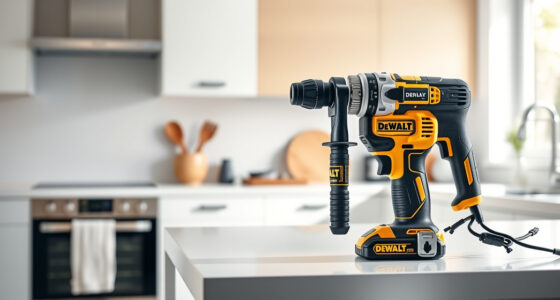
DEWALT 20V MAX Cordless Drill Driver Set, Electric Drill, Brushless 1/2 In 2 Speed, 2.0 Ah Battery and Charger Included, LED Light (DCD777D1)
- Motor Type: Brushless motor for longer run time
- Size: Compact 7.6-inch design
- Design: Lightweight for easy handling
As an affiliate, we earn on qualifying purchases.
Unboxing and Inspection
- Carefully open the packaging to avoid damaging components.
- Verify all parts are included: drill, batteries, charger, and accessories.
- Inspect each component for damage or defects before proceeding.
Installing the Battery
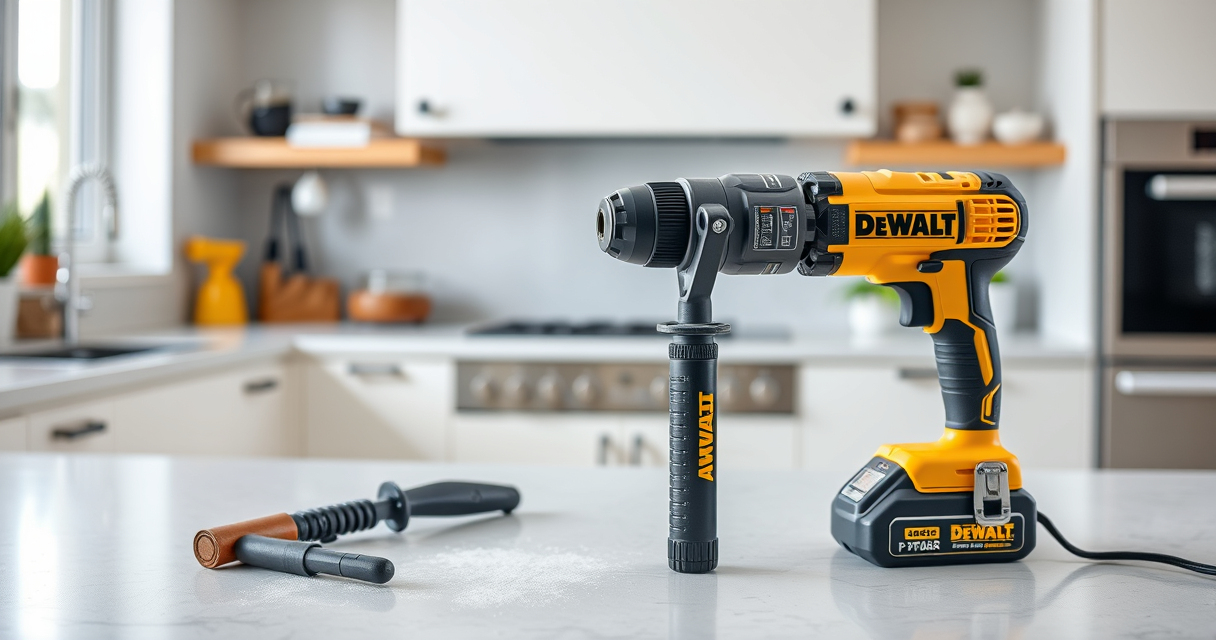
To power your DEWALT drill, insert the 20V MAX Lithium-Ion battery into the handle.
- Align the battery’s terminals with the slot in the handle.
- Push firmly until you hear a click, indicating it’s securely attached.
- Charge the battery fully before use if it isn’t pre-charged, using the DEWALT charger.
Assembling Your Drill
Most DEWALT drills come pre-assembled, but ensure that the chuck is tightened and bits are secure.
- Insert the desired drill bit into the single-sleeve ratcheting chuck.
- Hold the chuck and rotate it clockwise to tighten.
- Use the chuck key if your model requires it, ensuring the bit is firmly gripped.
Adjusting Settings and Testing
Configure the drill for your task by selecting the appropriate speed.
- Use the two-speed transmission switch to choose between low (for torque) and high (for speed).
- Test the drill in a safe area by pressing the trigger to ensure it runs smoothly.
Safety Tips and Maintenance
- Always wear safety goggles and gloves during operation.
- Keep your work area clean and well-lit.
- Regularly clean the vents and wipe down the tool exterior.
- Store batteries separately in a cool, dry place.
The Products in This Guide

DEWALT 20V MAX Cordless Drill Driver Set
- ✔ Battery Included: Yes
- ✔ LED Light: Yes
- ✔ Weight: 7.6 inches (length)

DEWALT Drill Bit Set
- ✔ Bit Type: Split Point
- ✔ Application: Plastic, Wood, Metal
- ✔ Warranty: N/A
DEWALT 20V MAX Cordless Drill Driver Set
<p>The DEWALT 20V MAX Cordless Drill Driver Set is a reliable, versatile tool designed for both professionals and DIYers. Its brushless motor offers more run time, and its compact design makes it ideal for tight spaces. The included 2.0 Ah battery and charger make it a complete package for immediate use.</p>
Pros:
- Long battery life
- Lightweight and ergonomic
- Powerful brushless motor
- Two-speed transmission
Cons:
- Battery not included with some kits
- Limited to 1/2 inch chuck size
- No additional accessories included
Best for: General-purpose drilling, fastening, and home renovation projects
Not ideal for: Heavy-duty industrial use or large diameter drilling
Bottom line: A compact, powerful drill perfect for versatile tasks around the home and workshop.
DEWALT Drill Bit Set
<p>The DEWALT Drill Bit Set is an excellent accessory to complement your drill. It features 14 high-speed steel bits with a 135-degree split point design, suitable for various materials including plastic, wood, and metal. The set’s durable construction and rust-resistant coating make it a reliable choice for long-term use.</p>
Pros:
- Wide range of sizes
- Durable high-speed steel
- Rust-resistant coating
- Easy to identify sizes
Cons:
- Only compatible with standard drills
- Bits may wear out with heavy use
- No carrying case included
Best for: Expanding your drill’s capabilities for different materials
Not ideal for: Heavy industrial drilling or large-scale construction
Bottom line: A versatile drill bit set that enhances your drilling toolkit with reliable performance.
Frequently Asked Questions
How do I safely install a battery into my DEWALT drill?
Align the battery’s terminals with the handle slot, then push until you hear a click. Ensure it is securely attached before use.
Can I use any charger with my DEWALT batteries?
Use only the DEWALT charger specifically designed for your battery model to ensure safety and optimal charging.
How do I know when my battery is fully charged?
Most DEWALT chargers feature LED indicators that show charging status. The light will turn green when fully charged.
What should I do if my drill isn’t working after setup?
Check that the battery is fully charged, ensure the bit is properly installed, and verify that the safety lock is disengaged if applicable.
How often should I maintain my DEWALT tools?
Regularly clean the exterior, check for loose parts, and keep batteries in a cool, dry place. Perform maintenance after every few uses for longevity.
Getting Started with Confidence
Proper setup of your DEWALT power tools is essential for safety, efficiency, and longevity. By following the steps outlined—inspection, battery installation, assembly, and safety measures—you can ensure that your tools operate reliably and safely. Remember to keep your tools well-maintained and always prioritize safety during use. With a little preparation, you’ll be ready to complete your projects with professional-quality results.
Affiliate disclosure: As an Amazon Associate we earn from qualifying purchases. Prices and availability are accurate as of the time of publishing.