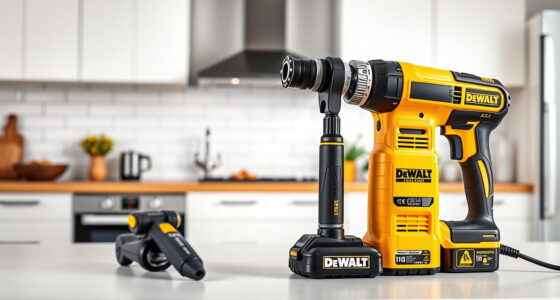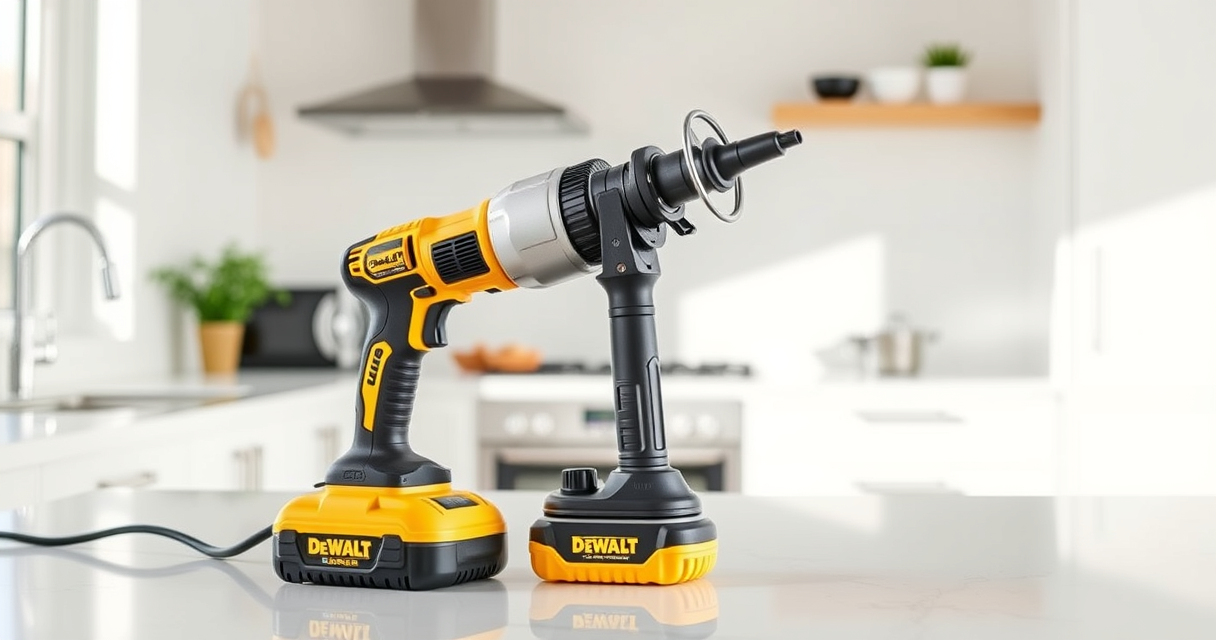

Maintaining your DEWALT power tools is essential for ensuring they perform reliably and last for years. Proper care prevents common issues like reduced battery life, motor failure, and mechanical wear. This guide provides clear, practical steps for routine maintenance, troubleshooting common problems, and optimizing your tools’ lifespan.

Get business pricing on tools and workshop supplies
- Business-only prices and quantity discounts
- Tax-exempt purchasing
- Multiple users, one account, clear invoices
Whether you’re a professional contractor or a DIY enthusiast, understanding how to care for your DEWALT tools can save you time and money. Follow these step-by-step instructions to keep your equipment in top condition safely and effectively.
Key Takeaways
| Battery Care | Keep batteries clean, charged, and stored properly for optimal lifespan. |
| Cleaning Routine | Regularly clean dust and debris from vents and moving parts. |
| Lubrication | Lubricate moving parts as recommended to prevent wear. |
| Troubleshooting | Identify common issues like overheating or weak performance early. |
| Storage | Store tools in a dry, organized space to avoid damage. |
Routine Inspection and Cleaning
- Unplug or remove batteries before cleaning or maintenance to ensure safety.
- Use a dry cloth or compressed air to remove dust, dirt, and debris from vents, switches, and motor housing.
- Check for loose screws, worn brushes, or damaged cords and replace or tighten as needed.
Regular cleaning prevents overheating and ensures smooth operation. Avoid using harsh solvents or water, which can damage electrical components.
Battery Maintenance and Storage
- Charge batteries fully before storage or extended downtime to prevent capacity loss.
- Store batteries in a cool, dry place away from direct sunlight and extreme temperatures.
- Inspect batteries regularly for swelling, corrosion, or damage. Replace damaged units immediately.
- Use the original charger to avoid compatibility issues or damage.
Proper battery care extends runtime and overall lifespan, saving you money on replacements.
Lubrication and Mechanical Care
Lubricate moving parts following the manufacturer’s recommendations, typically using lightweight machine oil or specific lubricants for DEWALT tools.
- Apply lubrication to chuck mechanisms, gear assemblies, and sliding parts to minimize wear and ensure smooth operation.
- Avoid over-lubricating, which can attract dust and debris.
Regular lubrication reduces mechanical stress, prevents rust, and keeps your tools functioning smoothly.
Troubleshooting Common Issues
- Tool Won’t Turn On: Check battery charge, ensure proper insertion, and inspect for damaged cords or switches.
- Reduced Power or Overheating: Clean vents, allow the tool to cool down, and check brushes or motor components for wear.
- Battery Not Charging: Confirm the charger and outlet are working, and inspect the battery for damage.
Address problems promptly to prevent further damage and ensure safety during operation.
Storage and Long-Term Care
Store your DEWALT tools in a dry, organized toolbox or storage unit. Keep batteries separated from tools and in a temperature-controlled environment.
Avoid leaving tools in damp or extreme conditions, which can lead to rust and corrosion. Periodically inspect stored tools and batteries, and perform maintenance as needed to keep everything in excellent condition.
Safety Tips During Maintenance
- Always unplug or remove batteries before performing maintenance.
- Wear safety glasses to protect your eyes from dust and debris.
- Use the correct tools and follow the manufacturer’s instructions for repairs.
- Work in a well-ventilated area and avoid inhaling dust or fumes.
Following safety procedures ensures your maintenance routine is effective and accident-free.
The Products in This Guide

DEWALT 20V MAX Cordless Drill and Impact Driver
- ✔ Battery Capacity: 2 x 5.0 Ah
- ✔ Charging Time: Approximately 1 hour
- ✔ Max Speed: Variable up to 1,700 RPM

DEWALT Drill Bit Set
- ✔ Bit Diameter: Various
- ✔ Split Point Angle: 135 degrees
- ✔ Coating: Rust-resistant
DEWALT 20V MAX Cordless Drill and Impact Driver
The DEWALT 20V MAX Cordless Drill and Impact Driver set offers reliable performance, ergonomic design, and easy maintenance, making it a top choice for many users.
Pros:
- Lightweight and compact design
- Ergonomic comfort grip
- Bright LED for visibility
- Quick bit changes
- Includes 2 batteries and charger
Cons:
- Battery life can vary with heavy use
- Requires proper storage for longevity
- Limited to compatible DEWALT batteries
Best for: DIY enthusiasts, contractors, hobbyists needing reliable cordless power
Not ideal for: Heavy-duty industrial applications or prolonged continuous use
Bottom line: A versatile, reliable cordless drill set that’s easy to maintain and perfect for a wide range of projects.
DEWALT Drill Bit Set
Pair your DEWALT drill with this high-quality 14-piece bit set, designed for durability and precision across various materials like plastic, wood, and metal.
Pros:
- 135° split point prevents walking
- Heavy-duty high-speed steel
- Corrosion-resistant coating
- Easy size identification
Cons:
- Limited to specific bit sizes
- Not suitable for very heavy-duty industrial tasks
Best for: Home repairs, woodworking, metal projects
Not ideal for: Heavy industrial manufacturing
Bottom line: A versatile drill bit set that enhances your DEWALT drill’s capabilities across multiple materials.
Frequently Asked Questions
How often should I clean my DEWALT power tools?
Clean your tools after every use to remove dust and debris, especially around vents and moving parts, to prevent overheating and mechanical issues.
Can I use any batteries with my DEWALT tools?
Only use batteries compatible with your specific DEWALT model, such as the 20V MAX Lithium-Ion batteries listed, to ensure safety and optimal performance.
What’s the best way to store DEWALT batteries?
Store batteries in a cool, dry place away from direct sunlight and extreme temperatures. Keep them separated from metal objects to prevent accidental shorts.
How do I troubleshoot if my drill isn’t turning on?
Check the battery charge level, ensure the battery is properly inserted, inspect for damaged cords or switches, and clean the contact points.
How can I extend the life of my batteries?
Charge batteries before they fully discharge, avoid overcharging, store in a cool environment, and regularly inspect for damage or swelling.
Keep Your DEWALT Tools in Peak Condition
Regular maintenance of your DEWALT power tools ensures they deliver reliable performance and last for years. Simple routines like cleaning, proper storage, and timely troubleshooting can prevent costly repairs and downtime. Always prioritize safety during maintenance, and don’t hesitate to replace worn parts or batteries when needed. With proper care, your investment in DEWALT tools will continue to support your projects effectively.
Affiliate disclosure: As an Amazon Associate we earn from qualifying purchases. Prices and availability are accurate as of the time of publishing.
Fall yard work Picks
leaf blowers
As an affiliate, we earn on qualifying purchases.