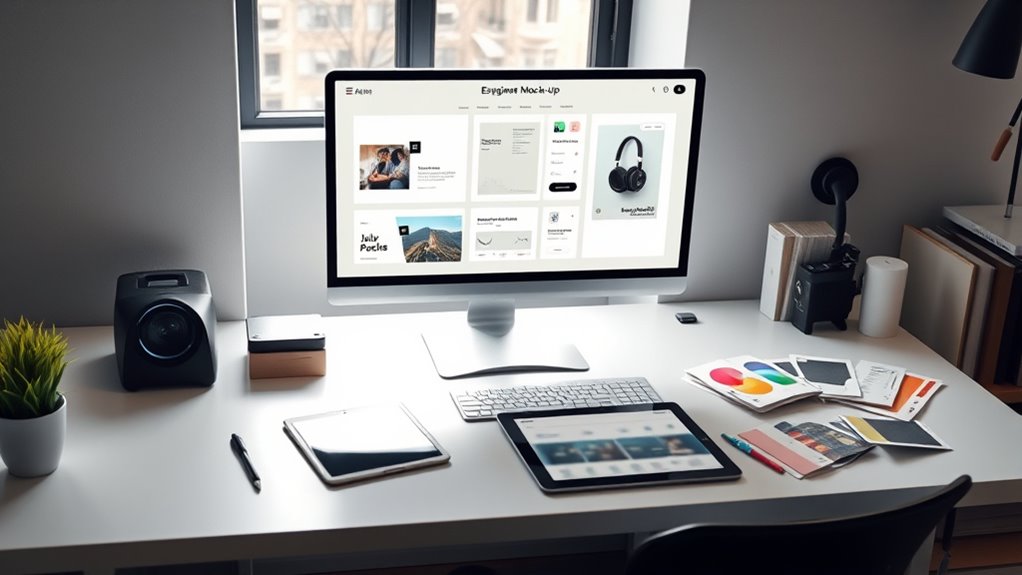

Using mock-ups to evaluate designs allows you to bring your ideas into a physical form, helping you assess material realism, usability, and overall functionality early in the process. By interacting with tangible prototypes, you can spot potential issues, gather user feedback, and make informed adjustments before production. This step saves time and resources while ensuring your final product aligns with user needs and manufacturing capabilities. Keep exploring to discover how to maximize mock-up benefits.
Key Takeaways
- Mock-ups provide tangible representations to assess material realism, texture, weight, and overall look before production.
- They help identify design flaws, ergonomic issues, and usability concerns early in the development process.
- Visualization techniques enhance understanding of design concepts and support better decision-making during mock-up evaluation.
- User feedback from mock-ups reveals usability issues and guides targeted improvements for better user satisfaction.
- Creating realistic mock-ups allows for early detection of manufacturing challenges, saving time and reducing costs.
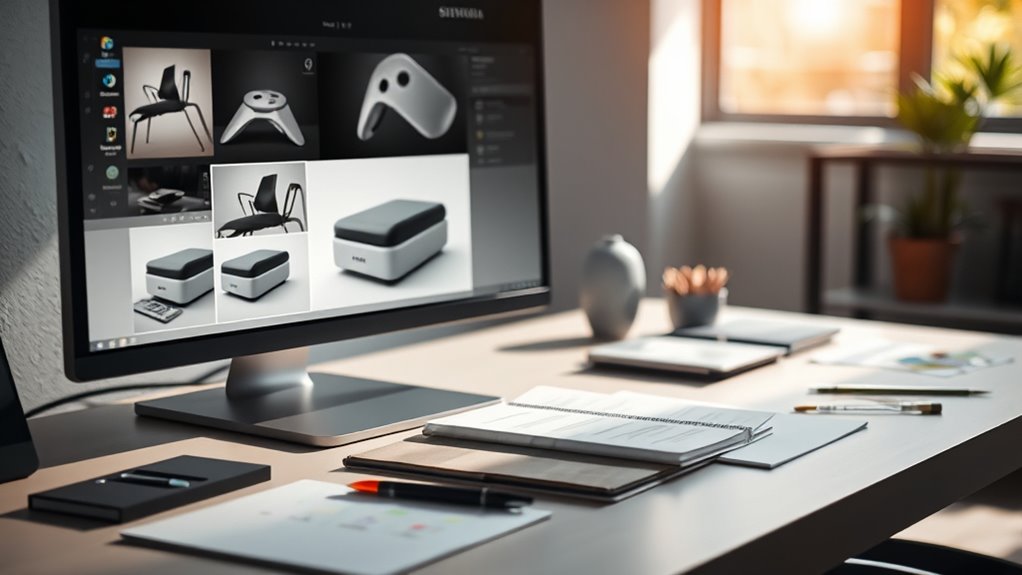
Creating mock-ups is an essential step in evaluating your design ideas before they go into production. When you build a mock-up, you’re bringing your concept into a tangible form, which allows you to assess material realism and see how well your design translates from idea to physical object. Material realism is fundamental because it helps you understand how the final product will feel, look, and function with the actual materials you plan to use. If you cut corners or choose materials that don’t accurately reflect the final product, you might miss important issues that only become apparent when interacting with a realistic prototype. By focusing on material realism in your mock-ups, you gain insight into texture, weight, durability, and overall aesthetic, which can influence design adjustments early in the process. Incorporating visualization techniques during mock-up creation can further enhance your ability to evaluate design concepts effectively. As you work through your mock-up, user feedback becomes an invaluable tool. When people interact with your prototype, they reveal how intuitive and functional your design truly is. Their perspectives can uncover usability issues you might have overlooked or underestimated. Encouraging honest feedback helps you identify pain points and areas for improvement, ultimately leading to a more refined final product. It’s necessary to observe how users handle the mock-up, listen to their comments, and ask specific questions about their experience. This feedback loop guides you in making targeted modifications, whether that’s tweaking ergonomics, adjusting features, or selecting better materials. Creating effective mock-ups isn’t just about copying your design on paper; it’s about immersing yourself and your users in a simulated experience. You want your mock-up to be as close as possible to the real thing in terms of material realism, because the more authentic it feels, the more meaningful the user feedback will be. When people handle a mock-up that accurately represents the final product, they’re better able to evaluate its comfort, usability, and overall appeal. This process often reveals unforeseen issues or preferences that can save you significant time and money during production. Furthermore, developing mock-ups with attention to material realism keeps your project aligned with practical constraints and manufacturing capabilities. You can identify potential challenges early, whether they relate to sourcing specific materials or achieving particular finish qualities. Integrating user feedback during this stage ensures you’re designing with the end-user in mind, leading to a more successful product launch. Overall, creating mock-ups is a proactive step that bridges the gap between concept and reality, empowering you to refine your design through realistic materials and valuable user insights.

POWERTEC 14.3mm Carbide Inserts Cutter Knives for Spiral & Helical Cutterheads - Fits Wen PL1326, JT630H & Rikon 25-130H, Tungsten Carbide Replacement Blades for Planer and Jointer (14301)
INCLUDES: (10) Carbide Insert Blades
As an affiliate, we earn on qualifying purchases.
Frequently Asked Questions
How Do I Choose the Best Mock-Up Tools for My Project?
To choose the best mock-up tools for your project, focus on ones that enhance your user interface and offer high visual realism. Look for features like easy customization, compatibility with your design software, and realistic rendering. Consider the tool’s ease of use and whether it lets you quickly iterate. A good mock-up tool should help you visualize your ideas clearly, ensuring the user interface feels authentic and engaging for your audience.
What Common Mistakes Should I Avoid When Using Mock-Ups?
You might think ignoring visual consistency or settling for unrealistic representations won’t hurt, but it does. Avoid rushing your mock-ups or making them too perfect, which can mislead stakeholders. Don’t forget to verify that your mock-ups maintain visual consistency across screens and reflect realistic representations of the final product. These mistakes can cause misaligned expectations, so always review your mock-ups critically to ensure they’re accurate and cohesive.
How Can Mock-Ups Improve Stakeholder Communication?
Mock-ups improve stakeholder communication by providing visual clarity, making complex ideas easier to understand. When you present realistic designs, stakeholders can better grasp your vision, leading to increased engagement. They can give more precise feedback and feel more involved in the process. This clarity reduces misunderstandings and aligns everyone’s expectations, ensuring your project stays on track and meets stakeholder needs effectively.
What Are Cost-Effective Options for Creating Mock-Ups?
You can explore affordable alternatives like printable templates or basic digital tools to create mock-ups without overspending. DIY solutions, such as using paper, cardboard, or simple design software, allow you to craft effective prototypes on a budget. These options help you quickly visualize concepts, gather feedback, and refine your designs without costly investments, making mock-up creation accessible and practical for any project.
How Do I Gather Actionable Feedback From Mock-Up Evaluations?
Ever wondered how to turn mock-up feedback into real improvements? You should observe how users interact with your mock-up, noting their reactions and questions. Conduct targeted user experience interviews and encourage honest opinions to uncover pain points. Focus on user engagement by asking specific questions about their ease of use and preferences. Collect quantitative data like task completion times, and analyze trends to identify areas needing refinement—making your design truly user-centered.

Grizzly Industrial T25920-12" x 18" Variable-Speed Benchtop Wood Lathe
This Variable-Speed Wood Lathe provides 12" of turning radius and spindles up to 16-1/2"
As an affiliate, we earn on qualifying purchases.
Conclusion
By using mock-ups to evaluate your designs, you gain valuable insights and catch potential issues early. Did you know that 70% of users decide whether they like a website within seconds? That’s why testing with realistic mock-ups is essential—you can make quick adjustments that improve user experience and boost satisfaction. Embrace mock-ups as a powerful tool to refine your designs, ensuring they’re not only functional but also truly engaging for your audience.

Wood Lathe Machine, 12 x 18 inch, 550W 3/4HP, 5 Speed Settings 680-2770 RPM,Benchtop Lathe with MT2 Drive/Live Center
Powerful 3/4HP 550W Motor: The high-performance AC motor delivers consistent power for smooth wood turning. It prevents overheating...
As an affiliate, we earn on qualifying purchases.

VEVOR Benchtop Wood Lathe, 10 in x 18 in, 0.5 HP 370W Power Wood Turning Lathe Machine, 5 Variable Speeds 780/1320/1920/2640/3840 RPM with Rod Injection Wrenches Faceplate Foot Pads, for Woodworking
Professional DIY: Our benchtop wood lathe is designed with an 18-inch workbench and powerful capabilities, meeting the needs...
As an affiliate, we earn on qualifying purchases.