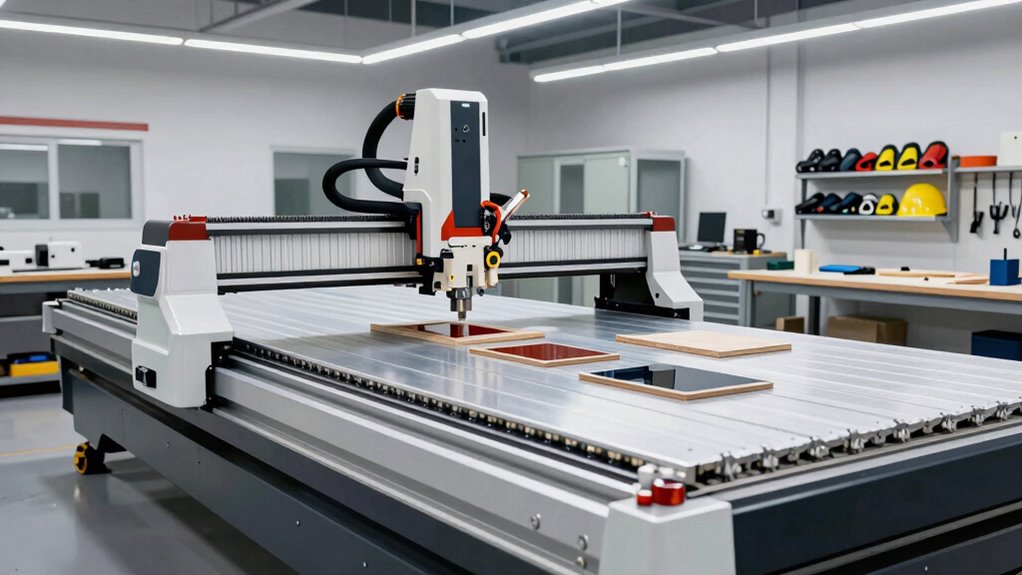

Your CNC router’s work area shows the maximum size of a single piece you can cut, but it doesn’t reflect your overall production capacity. Larger work areas don’t mean you can cut all materials or handle every project size, especially with harder or thicker materials. Rigidity and precision also matter—bigger machines can wobble and lose accuracy. To get the most out of your CNC, it’s essential to understand these limits. Keep going to see how other factors influence your projects.
Key Takeaways
- Work area defines the maximum size of a single cut but doesn’t reflect overall production capacity or project complexity.
- Larger work areas may require slicing materials and additional setup, impacting workflow and timing.
- Machine size influences rigidity and precision; bigger isn’t always better for detailed or delicate work.
- Material type and limitations often restrict usable size, regardless of machine work area.
- For optimal results, consider work area alongside material constraints, machine stability, and project needs.
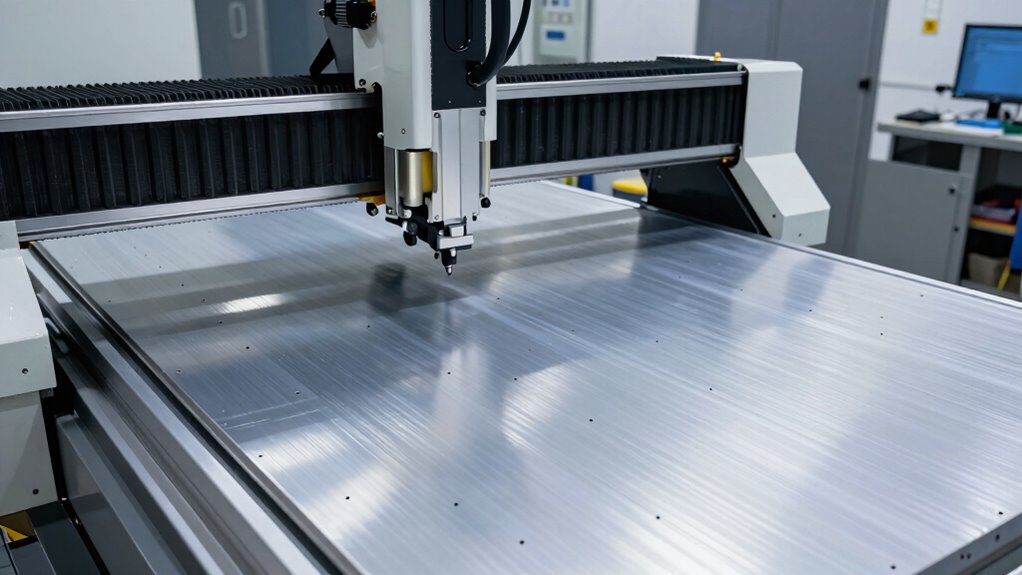
CNC routers are powerful tools that can transform your woodworking or manufacturing projects, but they often come with misconceptions about their capabilities and limitations. One of the most common misunderstandings revolves around the work area, or what many call the “machine size.” It’s tempting to assume that a larger machine can handle any project you throw at it, but the truth is more nuanced. Your CNC router’s work area defines the maximum dimensions of a single piece you can machine in one go, but it doesn’t necessarily reflect the full scope of what you can produce. Understanding this is essential to setting realistic expectations and planning your projects effectively.
A larger CNC machine doesn’t automatically mean bigger projects; consider material constraints and precision needs.
Material limitations are another key consideration tied directly to machine size. While a bigger work area sounds ideal, it doesn’t automatically mean you can cut or carve all types of materials at any size. Harder or denser materials, such as thick hardwoods or certain plastics, might require specialized bits or slower feed rates, which can limit your throughput regardless of the machine’s size. Furthermore, larger materials may need to be sliced into smaller pieces before machining, especially if they exceed the machine’s capacity. This process involves additional steps and considerations, like ensuring proper alignment when assembling the final product. If you overlook these material constraints, you might end up with project delays or results that don’t meet your expectations.
It’s also essential to realize that machine size influences not just the dimensions but also the rigidity and stability of your CNC router. Larger machines tend to be more prone to vibrations and deflections, which can impact precision, especially when working with delicate or detailed designs. This means that even if your project fits within the work area, the quality of the cut might be compromised if the machine isn’t built to handle the size or type of material you’re using.
In essence, the work area is a fundamental specification but only one piece of the puzzle. To truly leverage your CNC router’s capabilities, you need to consider how material limitations and machine size intersect. Think about what you plan to create, the materials involved, and the machine’s specifications. Sometimes, working within a smaller work area can lead to better accuracy and finish, especially for detailed projects or when working with tougher materials. Additionally, with advancements in European cloud server technology, integrating remote monitoring and control systems can help optimize your workflow and troubleshoot issues more efficiently. Recognizing these realities will help you choose the right CNC router and plan your projects efficiently, avoiding frustration and optimizing your results.

Genmitsu 3020 Y-Axis Extension Kit, 3020 Upgrade to 3040, CNC Accessories for 3020-PRO MAX, 3020-PRO MAX V2, 3020-PRO Ultra CNC Router Machine, XY Working Area 300 x 400mm
Larger area: The ultimate solution for increasing your work area with up to 200% efficiency! This kit extends…
As an affiliate, we earn on qualifying purchases.
As an affiliate, we earn on qualifying purchases.
Frequently Asked Questions
Can the Work Area Size Be Expanded on My Existing CNC Router?
Yes, you can expand your existing CNC router’s work area by adding modular extensions, which help overcome work area limitations. These extensions connect seamlessly to your current setup, allowing larger projects without buying a new machine. Keep in mind, though, that not all routers support modifications, so check compatibility first. Expanding the work area can boost productivity and versatility, making your CNC router more capable for diverse projects.
How Does Work Area Size Impact Overall Project Complexity?
A larger work area can increase project complexity because you’re often limited by material size and tool accessibility. Bigger projects may require more precise handling and setup, making the process more challenging. You might face material limitations that restrict your design options or struggle with tool reach in tight corners. Smaller work areas simplify projects, but expanding your workspace demands careful planning to manage these factors effectively.
Are Larger Work Areas More Prone to Inaccuracies?
Think of a larger work area as a wide-open highway. It’s more prone to inaccuracies because maintaining machine rigidity becomes tougher, especially when handling bigger materials. The longer span can cause slight flexing or vibrations that impact precision. To keep your projects on point, make sure your machine is sturdy and handle materials carefully, knowing that bigger doesn’t always mean better if the setup isn’t optimized for accuracy.
What Are the Cost Differences Between Small and Large Work Areas?
You’ll find that larger work areas typically cost more due to higher price factors like increased material, more powerful motors, and advanced components. The cost comparison shows that small CNC routers tend to be more affordable, making them suitable for hobbyists or small projects. As you scale up, expect to pay a premium for the added size and capabilities, impacting your overall budget appreciably.
Can I Upgrade My CNC Router’s Work Area Later?
Yes, you can upgrade your CNC router’s work area later. About 60% of users add modular extensions to grow their machines. Keep in mind, though, that larger work areas may involve some precision trade-offs. Installing modular extensions is usually straightforward, but verify your machine’s frame can support the new size without compromising accuracy. Planning ahead helps you avoid costly upgrades down the line.

Genmitsu CNC 3018-PRO Router Kit GRBL Control 3 Axis Plastic Acrylic PCB PVC Wood Carving Milling Engraving Machine with Offline Controller, XYZ Working Area 300 x 180 x 45mm
New Version: Genmitsu Cnc 3018-Pro Is An Upgraded Version Of 3018. All Components Do Not Need To Be…
As an affiliate, we earn on qualifying purchases.
As an affiliate, we earn on qualifying purchases.
Conclusion
Understanding what “work area” truly means helps you choose the right CNC router for your projects. Did you know that most hobbyist machines have a work area of around 12″ x 12″, while industrial models can reach 60″ x 120″ or more? Knowing this guarantees you don’t get stuck with a machine that can’t handle your larger designs. So, measure carefully and plan ahead—your projects will thank you for it.

HQMaster 5PCS CNC Wood Carving Router Bits Set, 1/4'' Shank, 15° Detail Carving Liner+ 20° Profile bit+30°+60°+ 90° V Groove Router Bit Set
✅ Five Angle Options: Elevate your project efficiency with HQMaster CNC router bits, available in a range of…
As an affiliate, we earn on qualifying purchases.
As an affiliate, we earn on qualifying purchases.

LLDSIMEX Adjustable Vise Stop 5 Axis Movement Mill Work Stop CNC Mill Machines Part Workpiece
Vise stop 5 Axis movement mill work stop part locator
As an affiliate, we earn on qualifying purchases.
As an affiliate, we earn on qualifying purchases.